
As your asset base grows, managing land agreements becomes more complex.
The information often exists, but key dates, supporting records, and decision history may be spread across a land system, spreadsheet, shared drive, or inbox.
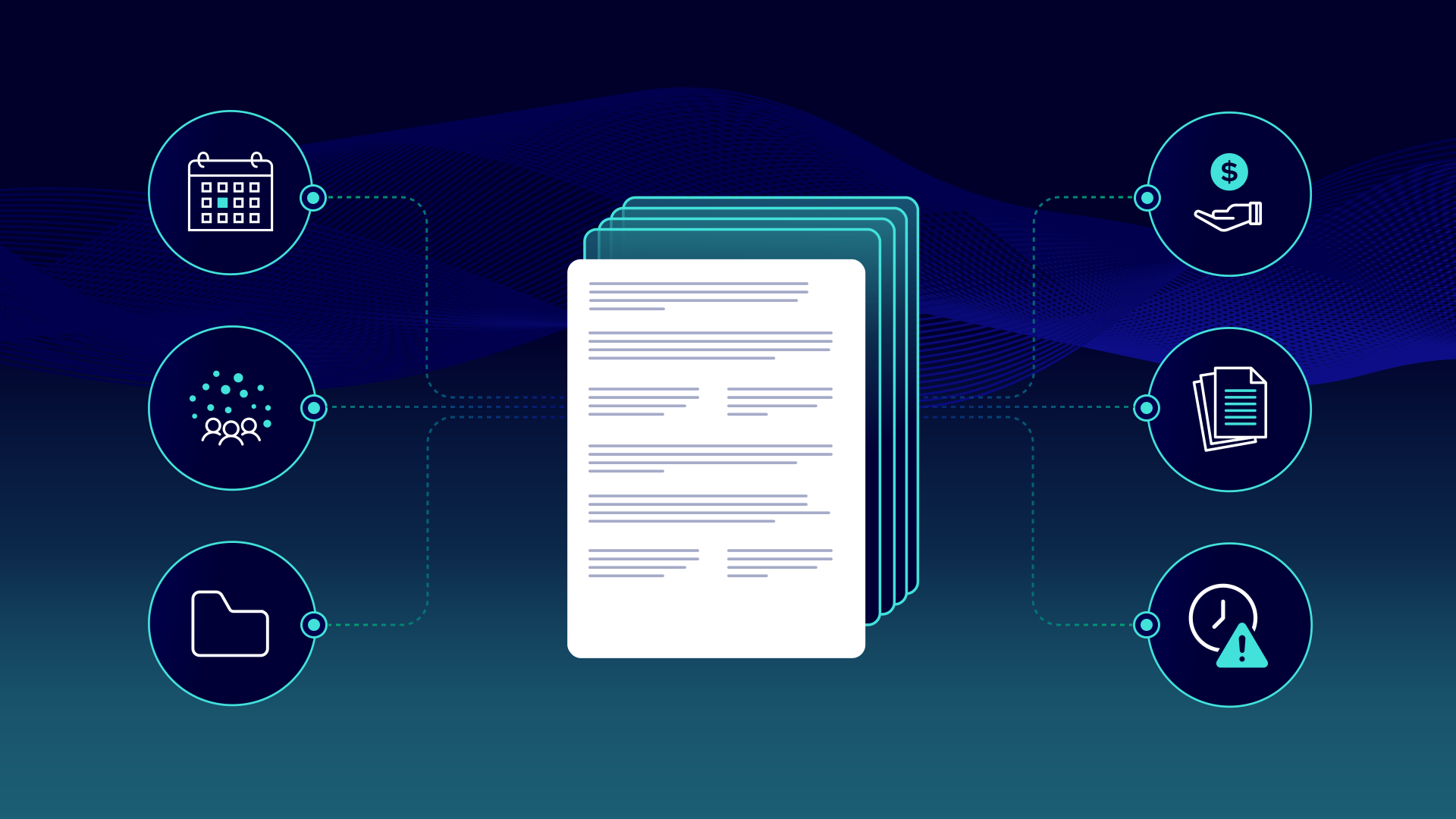
A contract management system in oil and gas brings those pieces together. Instead of treating the agreement as a standalone PDF, it connects the document to the records, dates, people, and workflows that depend on it.
What is oil and gas contract management?
Oil and gas contract management is the process of organizing and managing land agreements throughout their lifecycle.
That includes more than storing the signed agreement. For each agreement, your team may also need to manage:
- Amendments and assignments
- Parties and ownership information
- Effective and expiry dates
- Payments and other obligations
- Reviews and approvals
- Related wells, tracts, roads, or facilities
- Supporting correspondence and decision history
Common agreement types include oil and gas leases, surface agreements, rights-of-way, road-use agreements, and assignments.
Good contract management gives your team a complete view of the agreement. You can see the original document, understand what changed, find the supporting records, and know when the next action is required.
Why does oil and gas contract management matter?
A missed expiry, payment, approval, or notice can create financial, legal, or operational risk.
Disconnected records also slow people down. A land analyst reviewing an upcoming expiration may need to find the original lease, confirm whether it was amended, review ownership changes, check related well activity, and gather input from other teams.
If every piece lives in a different system or folder, a routine review becomes a search project.
Reliable records also matter during audits, acquisitions, divestitures, and ownership reviews. Your team may need to show:
- Which agreement and amendments were available for review
- What supported the recommendation
- Who reviewed and approved the decision
- When the work was completed
- Where the source documents are stored
The goal is to give your team the context and history needed to manage them confidently.
Why spreadsheets and shared drives fall short
At a certain point, manual systems relying on spreadsheets and shared drives break down:
- Dates become separated from their source. A spreadsheet may show an expiry date without linking to the clause or amendment that explains it.
- Related records are hard to follow. The base agreement, amendments, assignments, and correspondence may sit in different folders.
- Teams work from different versions. One person updates a tracker while another relies on an older copy.
- Reviews disappear into email. Recommendations, comments, approvals, and supporting documents become difficult to reconstruct.
- Reporting depends on manual upkeep. If someone forgets to update the tracker, the report is already out of date.
The issue is not just storage. It is the manual work required to keep documents, system data, tasks, and decisions aligned.
How an automated agreement workflow works
An automated agreement workflow reduces the time your team spends checking trackers, gathering records, and following up on reviews.
An oil and gas lease approaching its expiration is one example. Instead of relying on someone to spot the date and assemble the supporting information manually, the workflow can move the review through five connected steps.
1. Surface the agreement that needs attention
The workflow uses current land-system information to identify an upcoming expiry and create a review item.
Instead of relying on someone to check a spreadsheet or calendar, the system brings the agreement forward before action is required.
2. Bring the related records together
The reviewer can access the original lease, amendments, assignments, ownership documents, and other supporting records connected to the land file.
Relevant well, asset, or land-system information can also appear alongside the documents. The reviewer spends less time searching and more time assessing the agreement.
3. Route the review to the right people
The expiry can be assigned to the appropriate land professional and routed to other teams when input is required.
Land may need feedback from Geology, Engineering, or Asset Management before making a recommendation. Assignments, reminders, and status updates keep the review moving without relying on email follow-up.
4. Keep the recommendation and evidence together
The reviewer records the recommendation with the documents and information that support it.
The system does not decide whether to extend, renew, surrender, or take another action. That still requires land, legal, commercial, and operational judgment.
Automation ensures decision-makers have the relevant context in front of them.
5. Record the approval and final status
Comments, approvals, completion status, and supporting records stay connected to the review.
That creates a clearer audit trail. Later, someone can see what was considered, who approved the decision, and which records supported it without rebuilding the history from email.
This is one example of upstream oil and gas automation, where connected documents and system data trigger tasks, surface exceptions, and keep work moving.
What to look for in a contract management system
Not every contract management platform is built for upstream land work. A general-purpose repository may store agreements without understanding how land records, related assets, and existing systems fit together.
Look for a system that can:
- Support oil and gas-specific agreement types and land workflows
- Connect documents with your land system and other systems of record
- Bring agreements, amendments, assignments, and supporting records together
- Search documents quickly and link results back to the source
- Surface agreements that require review or action
- Assign work, send reminders, route approvals, and report on status
- Handle old scans, bulk files, and inconsistent naming
- Preserve recommendations, approvals, and audit history
A contract management system in oil and gas should not replace your land system or your team’s expertise.
Its role is to connect agreement documents with the current system information and workflows that depend on them. That gives your team a more reliable way to manage upcoming work, verify decisions, and understand the history behind each agreement.
Better contract management starts with connected records
With StackDX, land teams can connect agreements, amendments, ownership information, and supporting records to current land-system data. Automated workflows can then surface upcoming expirations, route reviews, track approvals, and preserve the decision history.
See how StackDX helps operators spend less time chasing information and more time managing agreements with confidence.